
Product Support
Support for WeCreat Vision / Vision Pro
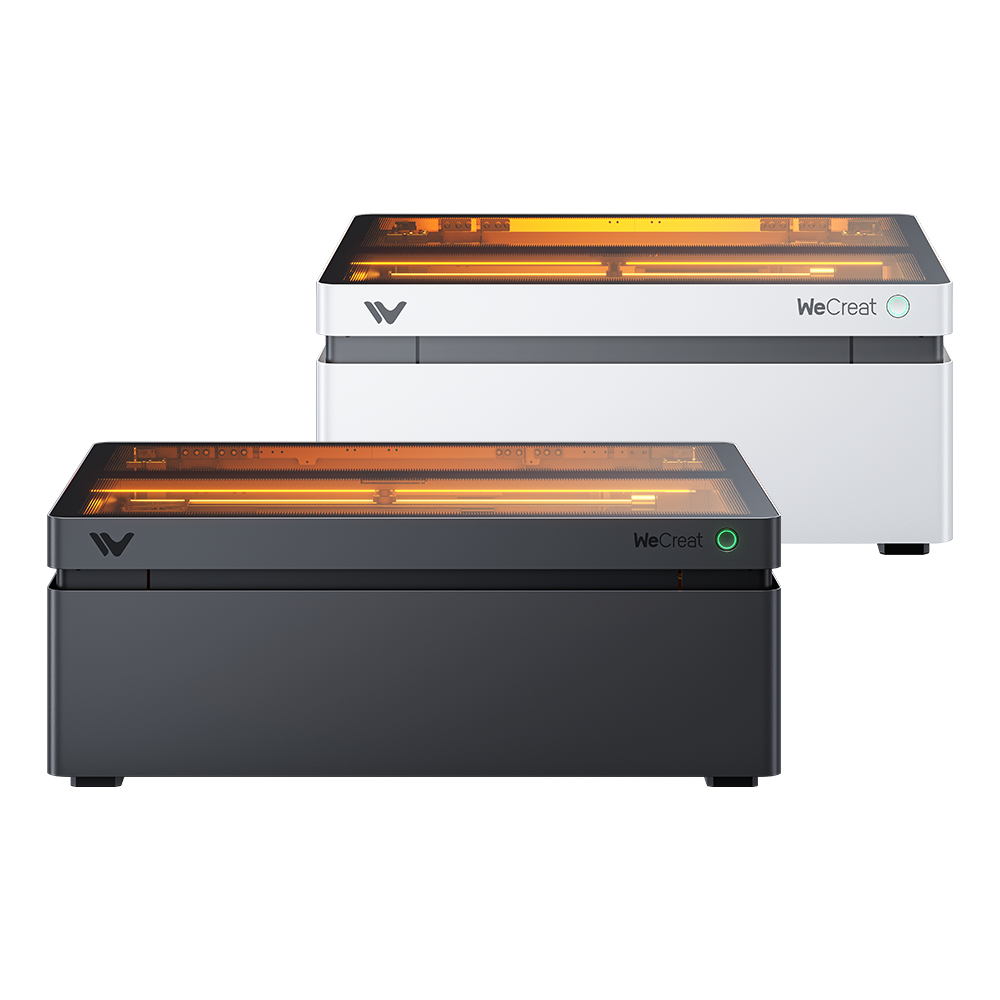
World 1st Auto-Lifting Laser Cutter and Engraver
Technical Support
Get assistance from our experts to identify and resolve issues.
Request Now
MakeIt Software
Explore tutorials and tips in the WeCreat MakeIt learning center.
Start Learning
WeCreat Community
Join fellow creators to share ideas, tips, and inspiration.
Join Now
Warranty Policy
Check coverage terms for your country or region.
View Policy
Watch & Learn
Unboxing and Setup

Make the first project

Cleaning the laser module

Tumbler engraving
Getting Started
- Safety First
- What Are The Ports And Interfaces On The WeCreat Vision?
- [Video]-Unboxing and Installation of WeCreat Vision
- How to Install the Laser beds? (Vision series)
- Video: How to Unbox and Install Your WeCreat Vision 20W Laser
- Vision: How to Unbox and Set Up WeCreat Vision 40W Laser
- Vision: How to Install the Rotary kit in WeCreat Vision Laser
- Vision: Before First Use: Checking Your WeCreat Vision and Adjusting the Alignment
- Vision: How to Unbox and Install Your WeCreat Vision 20W Laser
- Vision: How To Make Your First Project with WeCreat Vision
- Video: How to Use Vision Pro to Work with Pass Through feeder
- Electrical/Temperature Requirements to Run WeCreat Laser
Maintenance
- Vision: How to Calibrate the Camera Correctly for WeCreat Vision
- How to Replace the X-axis Belt for WeCreat Vision 20W/40W
- Video: How to Replace the Ribbon Cable for Vision Pro 45W Laser?
- How to Replace Limit Switch for Vision Model?
- How to Replace the Laser Head Connection Wire and Circuit Board of Vision 20W?
- Video: How to Replace the Vision 20W Laser Module
- Video: How to Clean Vision 20W Laser Outlet Lens to Ensure Normal Use
- Vision: How to Clean Laser head and Camera Lens for Vision 40W laser
- Vision: How to Clean and Grease Your WeCreat Vision Laser
- Vision: Before First Use: Checking Your WeCreat Vision and Adjusting the Alignment
- What Are The Ports And Interfaces On The WeCreat Vision?
- Video: How to Pack Your WeCreat Vision
- Vision: How to Replace Vision 40W Laser Module
- Vision: How to Replace the U-Type Circuit Board in Vision 40W Laser Module
- Video: How to Clean Laser head and Camera Lens for Vision 40W laser
- Video: How to Replace Vision 40W Laser Module
- Vision: How to Pack Your WeCreat Vision
- Rubber Seal Installation (Vision series)
- Adjust X-Axis & Z-Axis Alignment
Troubleshooting
- Adjust X-Axis & Z-Axis Alignment
- How to Locate Whether It Is a Z-Axis Motor Fault or a Connection Wire Fault? (Vision series)
- Video: How to Replace Vision 40W Laser Module
- Vision: How to Replace the U-Type Circuit Board in Vision 40W Laser Module
- Vision: How to Replace Vision 40W Laser Module
- Vision: How to Calibrate the Camera Correctly for WeCreat Vision
- Video: How to Clean Vision 20W Laser Outlet Lens to Ensure Normal Use
- Video: How to Replace the Vision 20W Laser Module
- How to Replace the Laser Head Connection Wire and Circuit Board of Vision 20W?
- How to Replace Limit Switch for Vision Model?
- What to Do If the Laser Head Hits the Left or Right Frame?
- Laser Module Fan Not Working on Vision Series
- Vision Pro 45W Laser Head Cannot Sync or Shows a Communication Error
User Manual
- User Manual for WeCreat Vision 20W Laser
- Declaration of Conformity
- User Manual for WeCreat Vision 40W
- Camera Calibration with LightBurn before Working with WeCreat Lasers
- Vision: How to Use WeCreat Vision to Work with Lightburn Software
- User Manual for Vision Pro 45W
- User Manual for WeCreat Vision 40W
- [Video]How to use LightBurn to Calibrate and Align on Vision Pro?